在html5中,可以利用align属性设置标题居中,该属性用于规定标题元素中内容的水平对齐方式,当属性值设置为“center”时,表示标题会居中显示,语法为“<h1 align="center">标题</h1>”。

本教程操作环境:windows10系统、HTML5版、Dell G3电脑。
html5怎么设置标题居中
在html中想要设置标题居中,可以利用align属性。
align属性可以设置指定元素内容的水平对齐方式。
语法如下:
<h1 align="center">标题</h1>
示例如下:
<!DOCTYPE html>
<html lang="en">
<head>
    <meta charset="UTF-8">
    <meta name="viewport" content="width=device-width, initial-scale=1.0">
    <meta http-equiv="X-UA-Compatible" content="ie=edge">
    <title>Document</title>
</head>
<body>
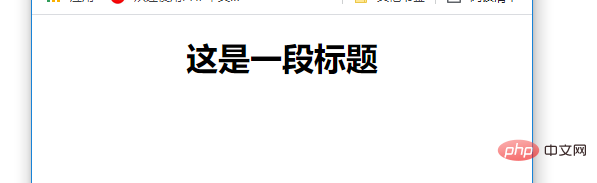
    <h1 align="center">这是一段标题</h1>
</body>
</html>
输出结果: