ci url去掉index.php的方法:首先修改配置文件;然后搜索htaccess将AllowOverride None改为“AllowOverride All”;最后建立“.htaccess”文件即可。

本文操作环境:windows7系统、CodeIgniter3.0版,DELL G3电脑 去掉index.php: 首先修改配置文件, $config['index_page'] = ' '; 设置空 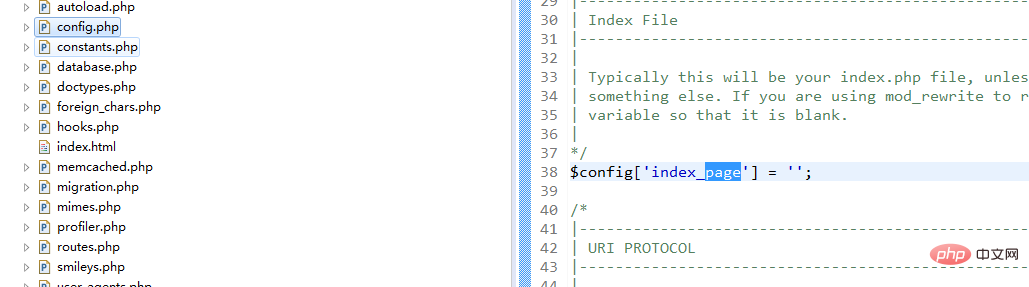
然后修改Apache,搜索 htaccess 将 AllowOverride None 改为 AllowOverride All 
搜索 rewrite_module modules/mod_rewrite.so 打开去掉# 
在CI的根目录下,在system的同级目录下,建立.htaccess文件(创建.htaccess 用Notepad++),写入如下内容: 

RewriteEngine on
RewriteCond $1 !^(index\.php|images|robots\.txt)
RewriteRule ^(.*)$ /codeIgniter/index.php/$1 [L] 我的项目地址是 http://localhost/codeIgniter/index.php/user 重启Apache直接访问 http://localhost/codeIgniter/user 推荐:《PHP视频教程》 以上就是ci url怎么去掉index.php的详细内容,更多请关注模板之家(www.mb5.com.cn)其它相关文章! |



